Built with this process
Habitat
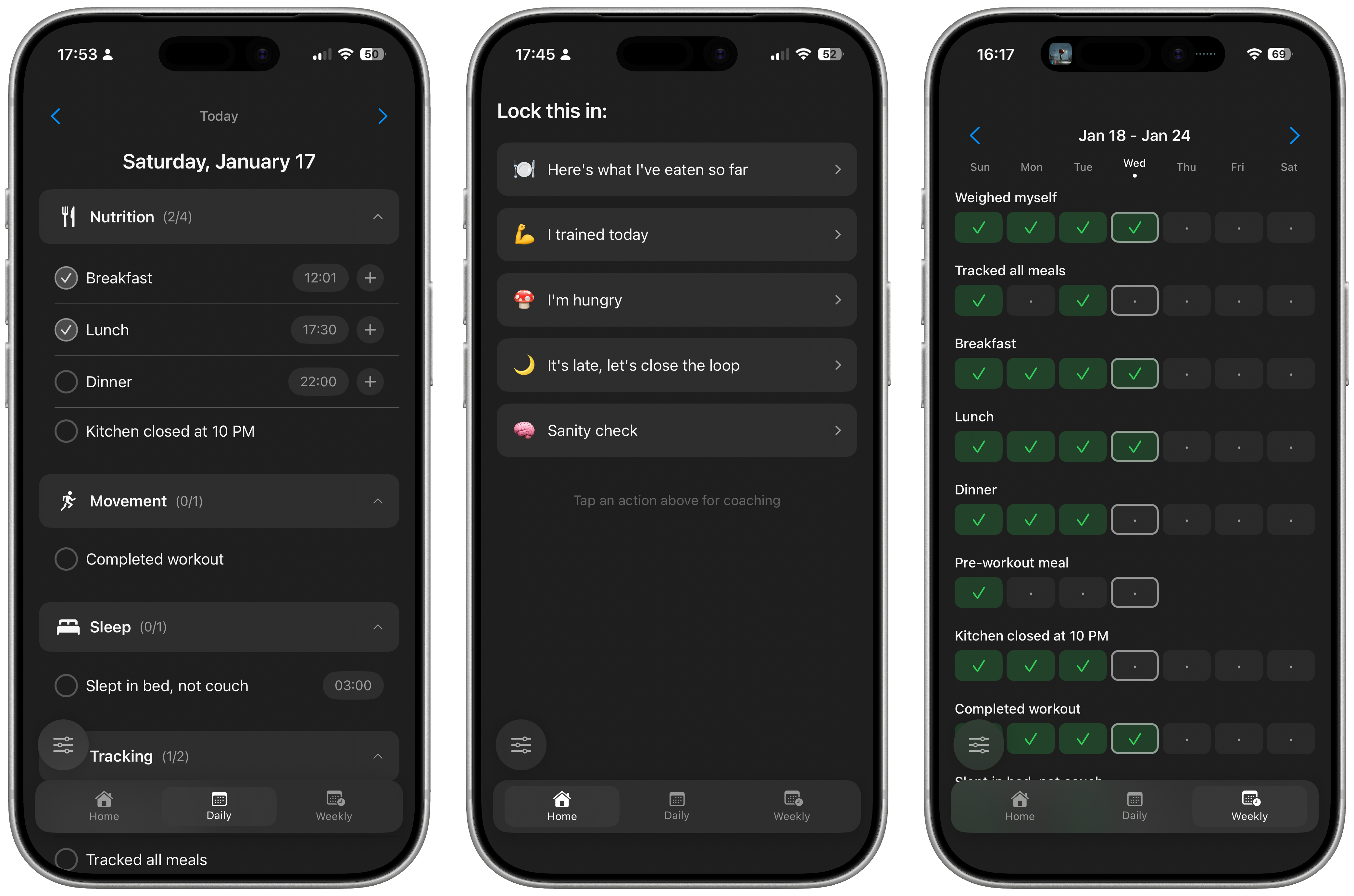
Lo-fi
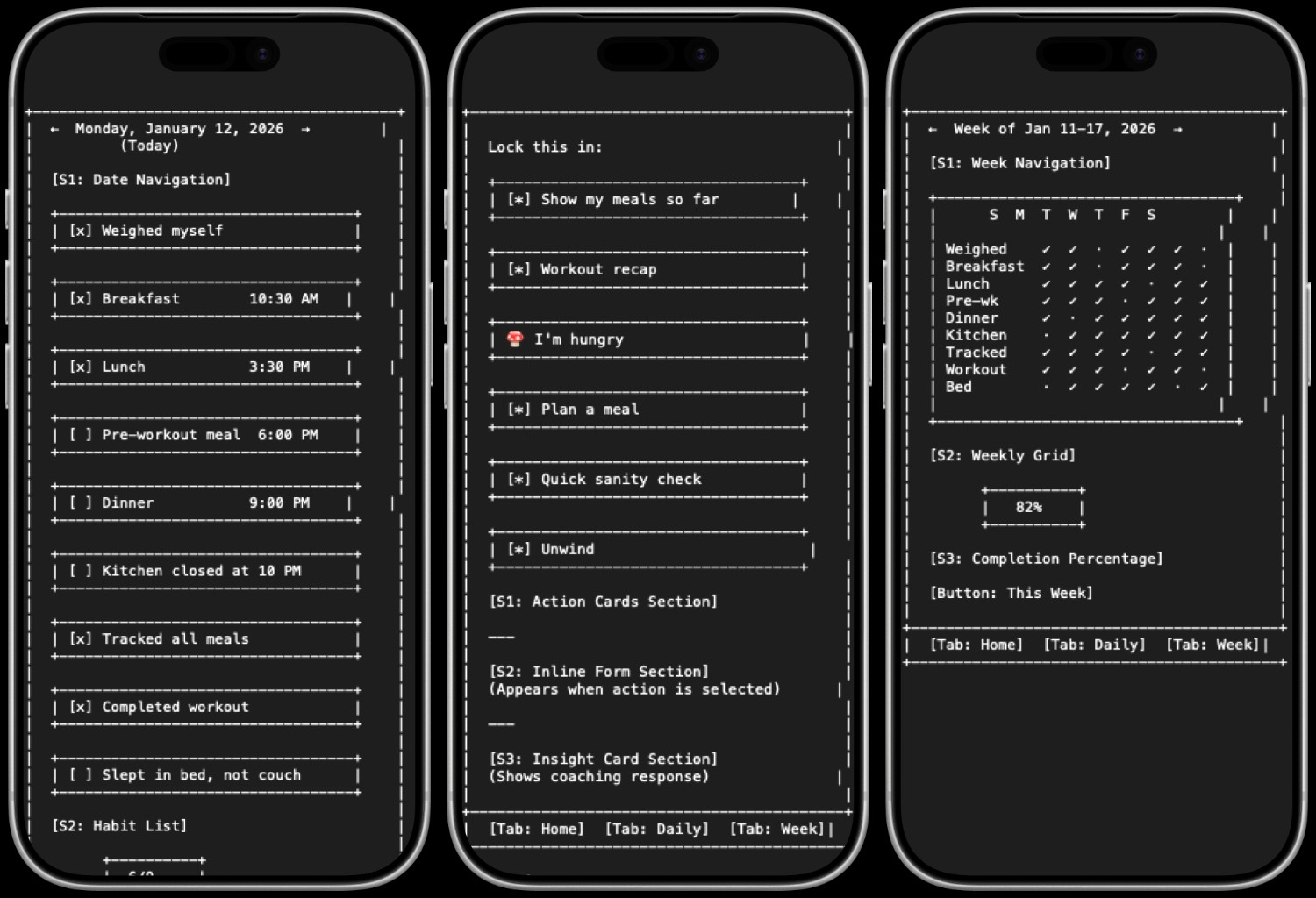
Hi-fi
Free Workshop · Online · 2 Hours
Build a working personal app — using a repeatable AI system in Cursor.
We’ll let you know when registration opens. No spam.
About the workshop
Most people use AI as a shortcut. This session is about using AI as infrastructure.
You’ll learn how to turn a fuzzy idea into a structured thinking model — and then into something runnable. We’ll move from: idea → structure → scaffolding → working output.
Instead of relying on scattered prompts, you’ll build a repeatable workflow that holds context and makes progress easier to resume.
How the session runs: First, a live walkthrough of the full path — from idea to structured model to working scaffold. Then structured build time. Everyone follows the same example so you can see the system clearly. You can follow step-by-step or adapt it to your own idea.
Prerequisites: You should already be comfortable with digital tools and have Cursor installed (Cursor Pro subscription recommended). You’ve opened it, run prompts, or edited code with it before. This is not an intro to Cursor. New to Cursor? Start here.
What you’ll build & what’s included
During the session we create a personal app scaffold: one core object, a simple capture flow, and a structured AI-powered review — runnable in Cursor.
You’ll leave with something working and a structure you can extend to goals, habits, decisions, or team systems.
What’s included
Built with this process
Habitat
What you’ll learn
Who this is for
A good fit
Not a fit
What you leave with
[ 01 ]
A working prototype scaffold
[ 02 ]
A reusable AI workflow from idea to runnable output
[ 03 ]
A blueprint you can extend after the session
Your facilitator
Workshop hosted by
Luis Cielak
Product design leader and Cursor Philly organizer. I help teams move from AI curiosity to shipping useful systems.
What others say
“Incredibly talented at getting stakeholders on the same page through masterful UX workshops.”
James Brown, Staff VP XD — FM
“Absorbs complex information quickly and translates it into clear, actionable artifacts—often within days.”
Danielle Trombino, Staff VP Product — FM Global
Join the waitlist
June 9, 2026 · 6–8pm ET · Online · Free
Be the first to know when registration opens. No spam.